> ## Documentation Index
> Fetch the complete documentation index at: https://docs-dev-docs-event-stream-action-templates.mintlify.site/llms.txt
> Use this file to discover all available pages before exploring further.
# アプリケーション接続を更新する
> Auth0 Dashboardを使用して、アプリケーションの有効化された接続を更新する方法を説明します。
Auth0 Dashboardを使用して、アプリケーションの有効化された接続を変更できます。
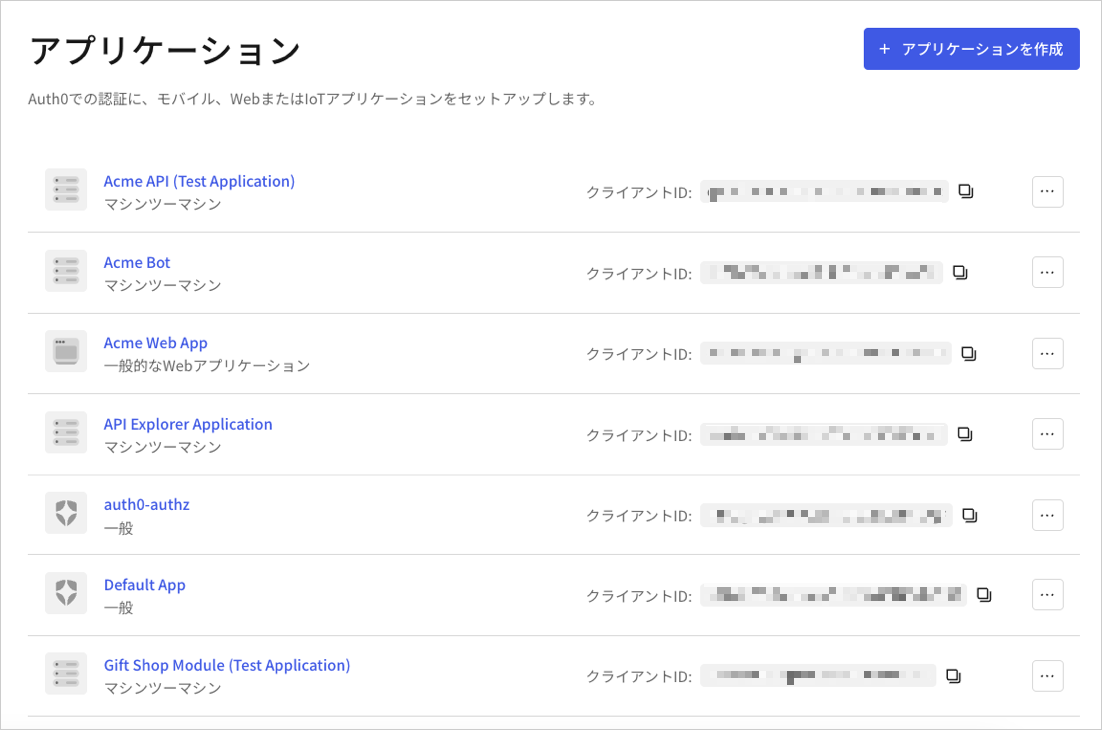
1. [[Dashboard]>[Applications(アプリケーション)]](https://manage.auth0.com/#/applications)に移動し、アプリケーションの名前をクリックして表示します。
 2. **[Connections(接続)]** タブをクリックし、アプリケーションの該当する接続を有効化または無効化します。
## もっと詳しく
* [接続を表示する](/docs/ja-jp/authenticate/identity-providers/view-connections)
* [接続を確認する](/docs/ja-jp/troubleshoot/basic-issues/verify-connections)
2. **[Connections(接続)]** タブをクリックし、アプリケーションの該当する接続を有効化または無効化します。
## もっと詳しく
* [接続を表示する](/docs/ja-jp/authenticate/identity-providers/view-connections)
* [接続を確認する](/docs/ja-jp/troubleshoot/basic-issues/verify-connections)